For one, FSX was ‘designed’ already a year-and-a-half or
more before release and at the time the FS Team decided that multiple-
core computers would not be mainstream for a long time yet.
Unfortunately, time proved them wrong, and many people now
buy dual-core PC’s, with Quad-cores already in the shops. FSX,
however, is NOT capable of fully using more than one core
(processor), and will typically therefore halve the speed of your
brand spanking new high-end PC! Yes, bummer.
(Service Pack 1 provides duel core support)
Bad News -
If you install certain Microsoft Windows updates, change or upgrade hardware components and then reinstall
the game, the Installation ID will change. This change creates an error message that
states that you have exceeded the number of activations. You will need to contact Microsoft and
try to explain why you shouldn't have to send them more money.
It looks like M$ have given it to us up the rear end once more
Have a read about it here
http://support.microsoft.com/default.aspx/kb/927007
I'm sure we are going to hear more about this when the word gets out a bit more
----- FigJam
The following results is on a 2.6ghz computer before I laid out $3000 in 2007 for a new one to run FSX.
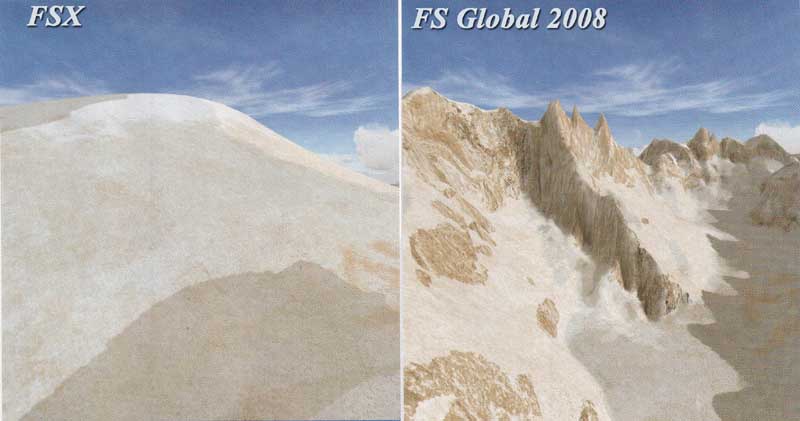
Here is a comparison... ok I didn't get the same spot for both images but click on the one that
you think is FSX
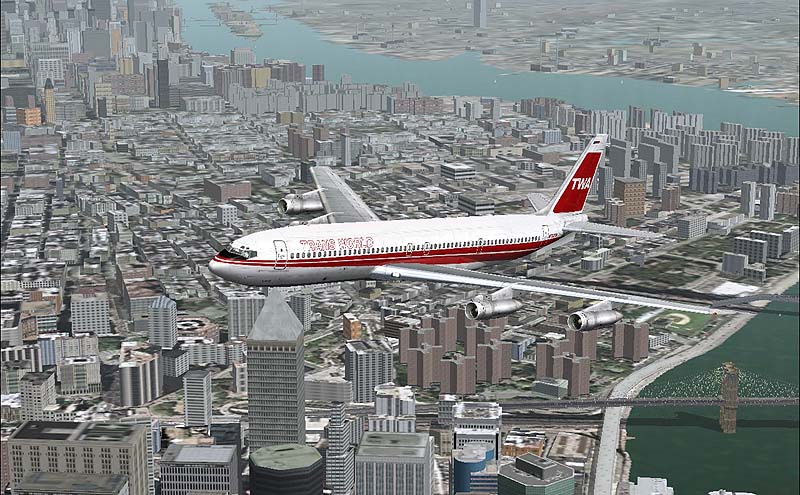
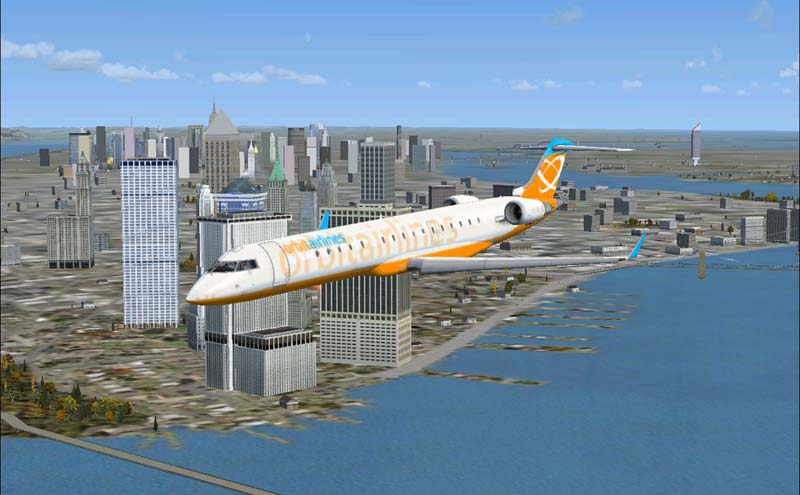
Charles De Gaulle airport in Paris France
FS2004 with AeroSoft scenery, Frame rate=20 with active air and ground traffic
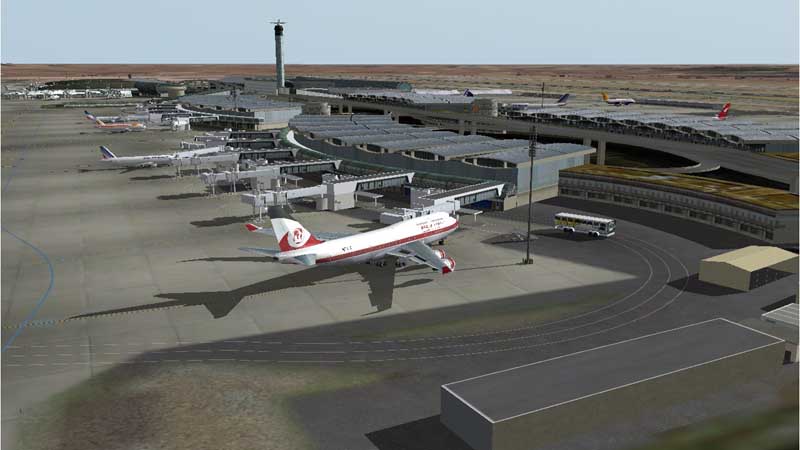
FSX, Frame rate=6 and no ramps or ground traffic. Looks like Microsoft can't keep up with third party developers
I finaly did see a couple vehicles. I called for a fuel truck, it did show up and I was given the option of selecting
how much fuel to load. Nice feature.
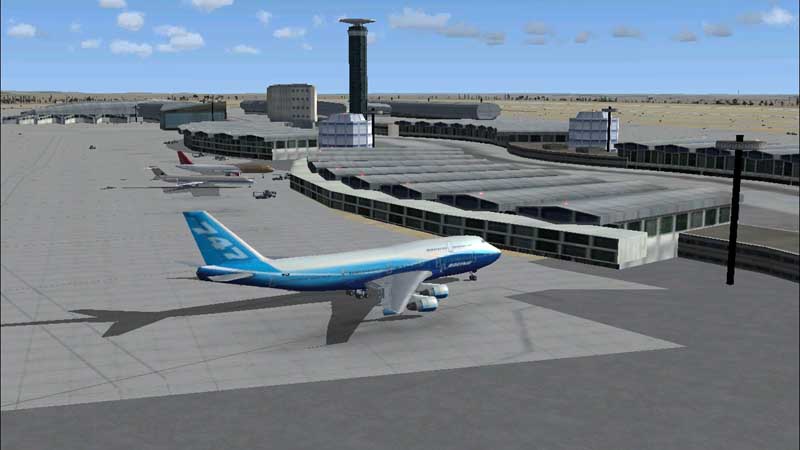
Ok, I juiced up my video card and managed to get an average of 6 fps and as you can see, even the clouds look great now.
FSX scenery and graphics are great. I went to several large airports, when I opened the hatches the baggage got unloaded. I called for a fuel truck and they showed up. When I did a pushback the tow tug was on the job.
I have yet to see the jetway work. Possibly for a good reason......
With this fresh install of FSX I have no terminal buildings?
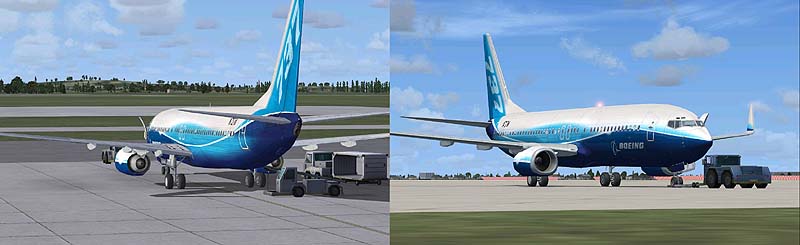
Ok, Sitting at Charles de Gaulle airport with fps of 6 and no terminal buildings, I did some more tweaks, mostly to my video card and got it up to 10 fps.
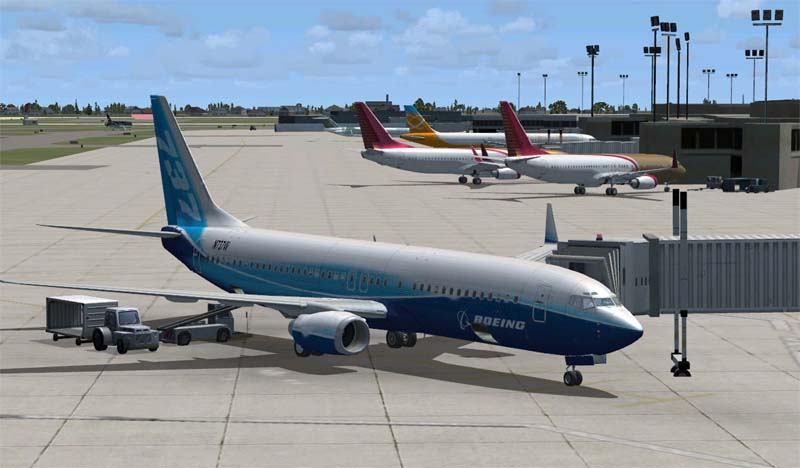
I then I started moving the Scenery slider up, when I got to Normal the terminal buildings showed up. When I got to Dense the jetways appeared. Of course my fps went to hell again and you can go have diner while the jetway moves in to place.
All this may be cute but it still does not compare to the quality and speed of the same airport by Aerosoft for FS9.
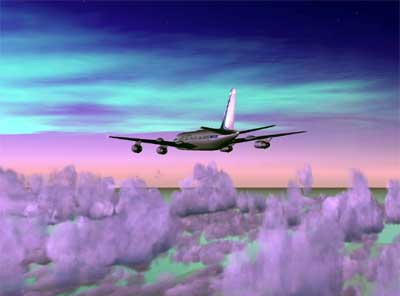
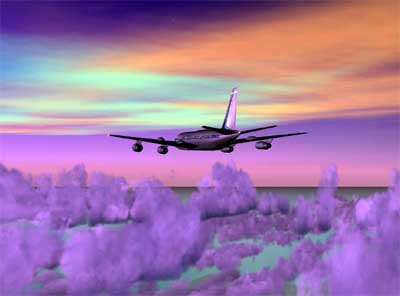
The Northern Lights.
I love watching this awesome natural phenomenon in FS9 but I can't find it in FSX.
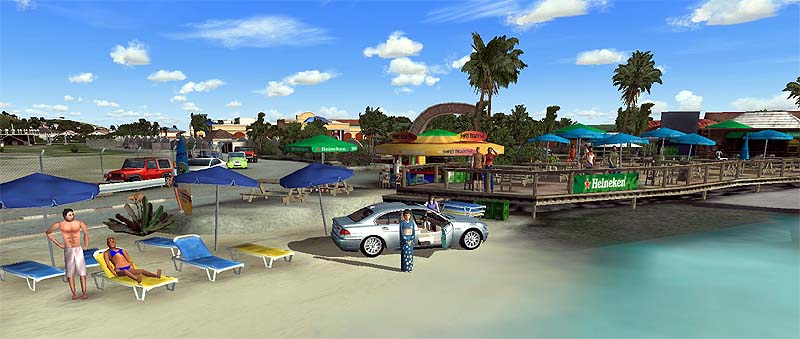
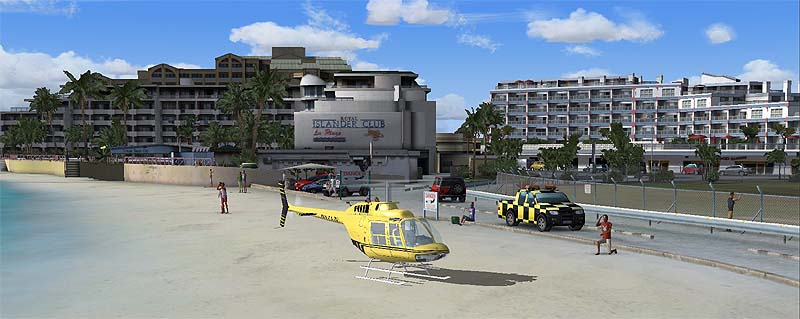
Scenery from FlyTampa for FS9, St. Maarten
Huge amount of detailed objects includeing moveing cars and boats. Much more complex than FSX and yet it's frame friendly.
"Microsoft has produced a product that is a major step backwards for Flight Simmer's."
This was my first impression but after throwing a lot of money at it I can now see and enjoy the improvements.
But I still say
"It's amazeing that third party sources can provide much better scenery with much less of a
strain on our computers."
Many features have either been removed, restricted or not backward compatible.
There are many add-ons available for FS9 that are far superior to what you get with FSX and you don't
need to buy a new super computer to enjoy them.
UPDATE: These add-ons are becoming available for FSX and greatly enhance the Sim experiance. But you still need
the super computer to run FSX.
My advice is try the demo, if it sucks then forget FSX. If you like it and you are
willing to give up your FS9 world and start over, then go for it but if you don't have the hardware to support FSX than it can be very dissapointing.
FSX Demo
available here
Responses from others
Bob, you hit it right on the nose...it sucks. nothing like they advertised....I have a
Pentium 3.2 gig 1 gig of memory and 6800 nividia 256 video card and the frame rates
were terrible. none of my add-ons work. FS navigator don't work but I did read
that navigator is going to update to work with X but it wont be ready until late
2007. the way this games looks I may be wasting there time. thank god I didn't
get the deluxe X game. I am really disappointed with it.
AMD Athlon Dual Core x64 3800+
2 Gigs of ddr2 Ram
Sata HDD
ATI x1600 Pro (512MB Ram)
-performance, 10 fps average, with max graphics settings in FSX, and it does not look any better than the
50-80 fps I get out of FS9 with full graphics settings.
The best performance I can get out of this machine is 20-24 fps at medium graphics and it looks worse than
fs9 at the same graphics settings.
Note: I also checked the processor usage, FSX only uses one core on this dual core machine and it uses only
60% of that processor at maxed out graphics, so the bottleneck lies elsewhere, i have some benchmarking
software and will check into this. fsx is memory hungry, I tried it with 1 gig in this machine, and it
used all of the available memory, and was actively swapping. With 2 gigs FSX was marginally faster. Even
with the maxed out settings, textures still look like crap. In the same pc with 1 gig of ram fs9 with
typical background software does not use much more than half a gig, interesting eh. I may buy the ati
x1900 xtx for this machine just to see how much it improves the graphics, but i have a feeling it will
help only marginally.
I believe quite simply that in order to truely appreciate FSX and see what it is capable of we are simply
going to have to wait until Vista and Direct X10 come out. There are some MAJOR changes between DX9
family and the DX10 family. I do some Directx 9 programming in C++ and there is some coverage of the
new features and changes coming in Direct X10 and it seems to me that Direct X10 is going to really
improve the graphics quality, especially its ability to use the abilities of the newer cards coming
out on the market. Its hard but I am not trying to judge FSX to harshly because we are all flying on
XP machines with the direct x 9 family, with FSX not even being designed/optimized for XP, but rather
it being built for Vista and DX10. We are probably lucky to be able to use it with xp. Microsoft
should have waited to release it until Vista is released. Anyway that is my observation and opinion.
Ok there you go, now someone pick it apart ! lol
Vladimir from Slovakia wrote.....
Well, I have X1950XTX with 512MB ram and guess what, I got 10FPS at KLAX and other airports and
graphic is awful.
Someone wrote "If Microsoft made cars".
The latest model is now available but we don't have any motors or wheels yet. You can buy it now and
have the pleasure of putting it in your yard and sitting in it until the rest of the parts are available.

 Check out our News and Tips Page